Data
Connect databases and HTTP data bridges, enrich the AI with your own document corpus via RAG providers, and discover pre-built providers from the Knowledge Hub.
Data Sources
The Data Sources page connects external databases and HTTP data bridges to CorvinOS, making them available to the AI Agentic Compute layer for running analytical jobs and queries.
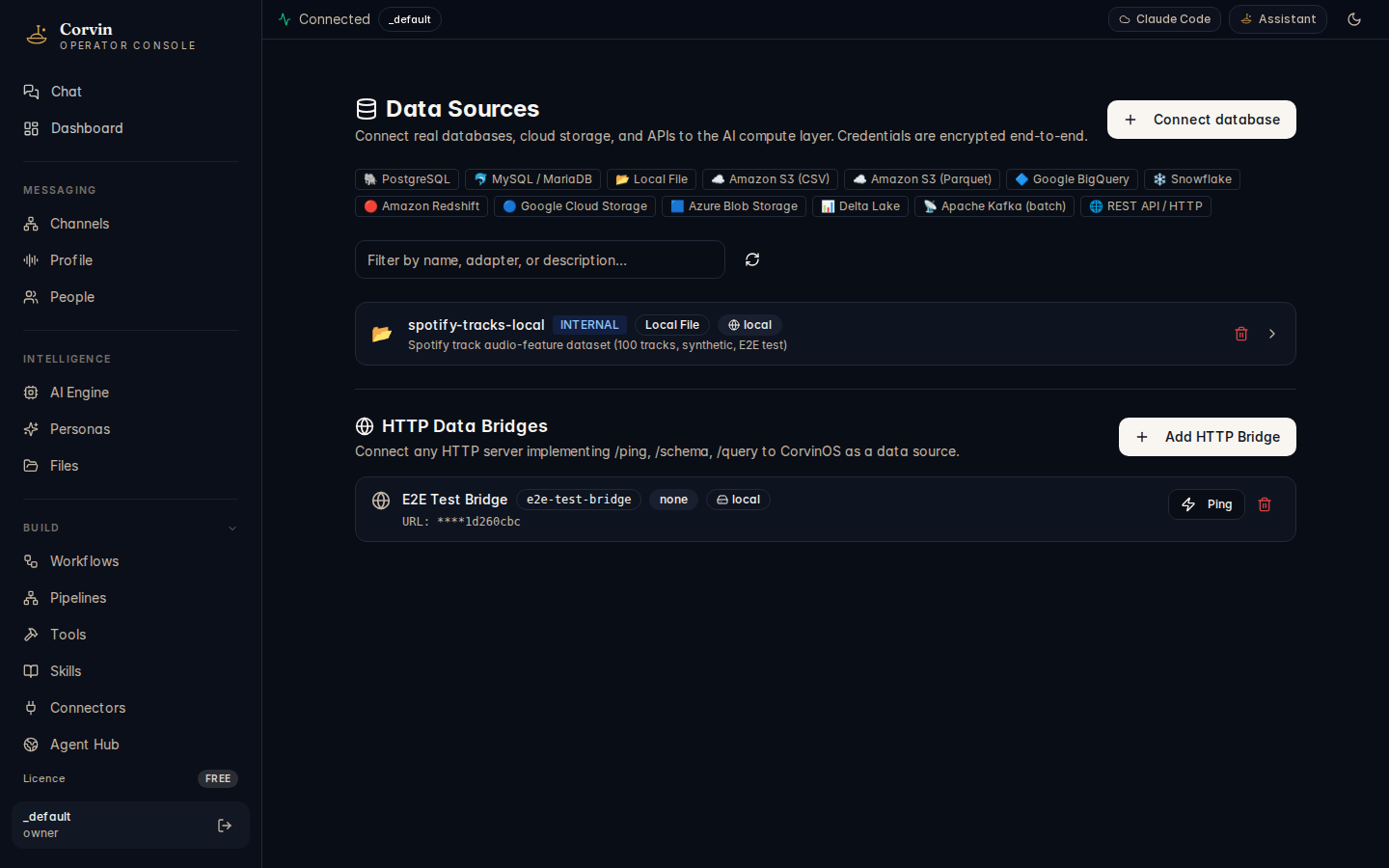
Database connections
The top section of the page manages structured database connections. Filter tabs at the top of the list let you narrow by database type. Supported connection types include:
SQL Databases
PostgreSQL, MySQL / MariaDB, Snowflake, Amazon Redshift. Standard JDBC-style connections with host, port, database name, and credentials.
Cloud Storage
Amazon S3 (CSV), Amazon S3 (Parquet), Google Cloud Storage, Azure Blob Storage, Delta Lake. Connect object-store data as queryable sources.
Analytics & BI
Google BigQuery, Local File. Analytical workloads can be routed to these sources from the Agentic Compute layer without leaving the tenant boundary.
Streaming & APIs
Apache Kafka (batch mode) and REST API / HTTP. Connect event streams or arbitrary HTTP data endpoints as a queryable data source.
When no databases are connected yet, the page shows a "No databases connected" placeholder with a "Connect your first database" button to open the connection form.
HTTP Data Bridges
The lower section of the page manages HTTP Data Bridges — any HTTP server that implements the three required endpoints (/ping, /schema, /query) can be registered as a CorvinOS data source. This lets you expose custom data services, internal APIs, or prototype data connectors without writing a full database adapter.
A seeded example bridge, E2E Test Bridge (e2e-test-bridge), is shown after initial setup. It uses none auth, locality local, and its URL is masked in the console (****1d260cbc) to protect the endpoint path from casual exposure.
All database credentials are encrypted end-to-end using RSA-OAEP in the browser before leaving the client. The server never receives plaintext credentials — only the encrypted blob, which is stored in the tenant vault.
AI Agentic Compute integration
Connected databases and HTTP bridges become available to the AI Agentic Compute layer (System → Agentic Compute) as named data sources. An analytical job can reference a source by name — the vault injects the credentials at spawn time, so the AI worker never sees the raw connection string.
Knowledge (RAG)
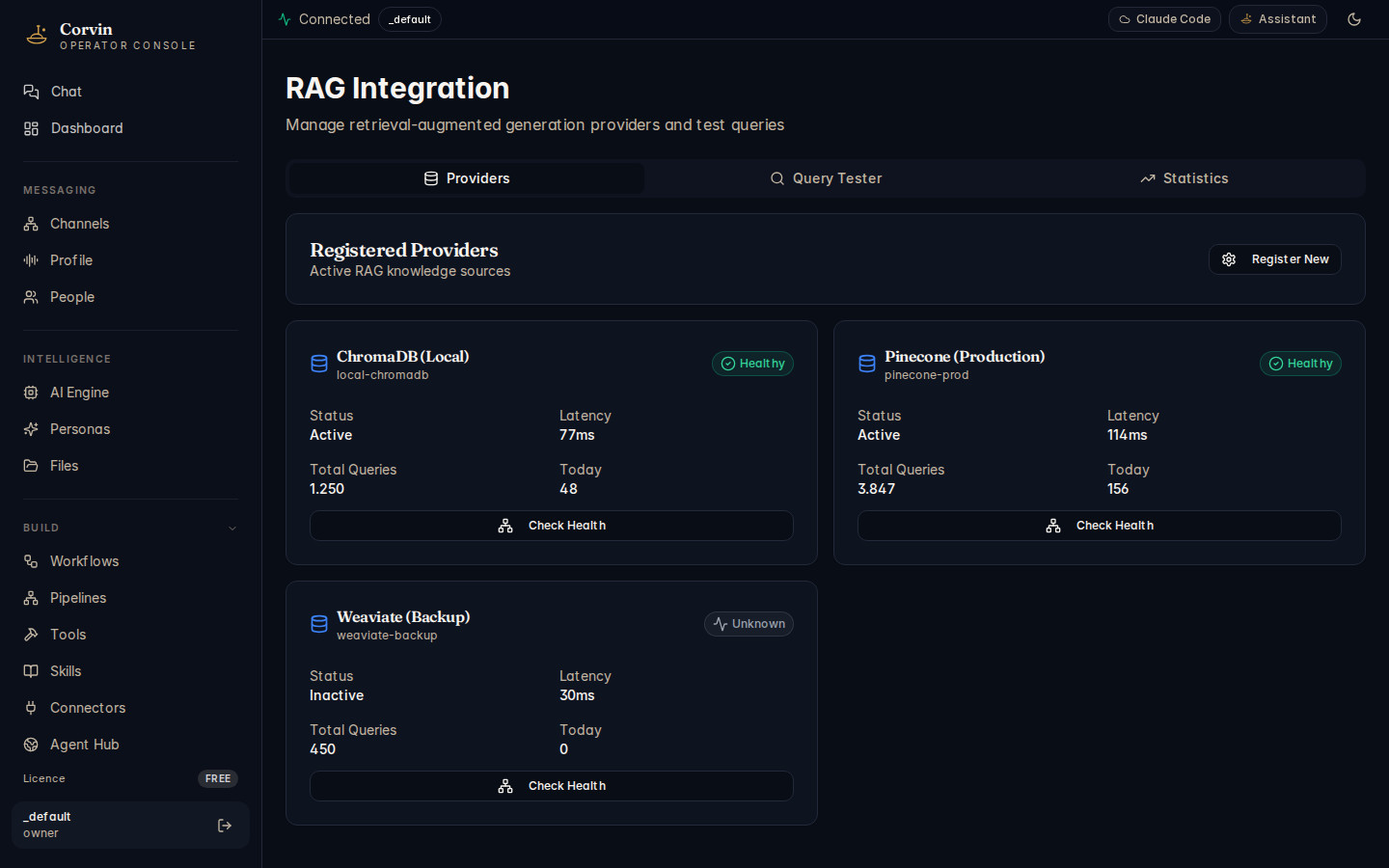
The Knowledge page connects Retrieval-Augmented Generation (RAG) providers to CorvinOS, enriching AI responses with content drawn from your own document corpus. Instead of relying solely on the AI model's training data, RAG providers allow the AI to retrieve relevant passages at query time from your internal knowledge base.
Provider types
CorvinOS supports several categories of RAG provider:
- Vector databases — embedding-based similarity search (e.g. pgvector, Qdrant, Weaviate, Chroma). The AI embeds the query and retrieves the nearest document chunks.
- Document stores — full-text and structured search over document collections (e.g. Elasticsearch, OpenSearch).
- Search APIs — external search services with a retrieval API, useful for web-augmented or enterprise knowledge bases.
Health monitoring
Each provider card shows its current health status — connectivity to the underlying store, index availability, and whether the last test query succeeded. Unhealthy providers are surfaced prominently so you can investigate before the AI attempts to use them in a production conversation.
Performance metrics
The page exposes per-provider query latency (p50 and p95) and retrieval quality indicators. Quality metrics are computed from the AI's implicit feedback signal — when a retrieved passage is used in a response it contributes a positive quality signal; when it is ignored or contradicted it contributes a negative one. These signals accumulate over time to give an evidence-based quality score for each provider.
Query testing
Each provider includes an inline query tester — enter a sample question and inspect the raw retrieval results before wiring the provider into a live conversation. This lets you validate index quality and relevance tuning without sending test traffic through the full AI pipeline.
RAG providers are scoped to a tenant. No retrieval crosses tenant boundaries — a RAG provider registered for _default is not accessible from another tenant's conversations, even on the same host.
Knowledge Hub
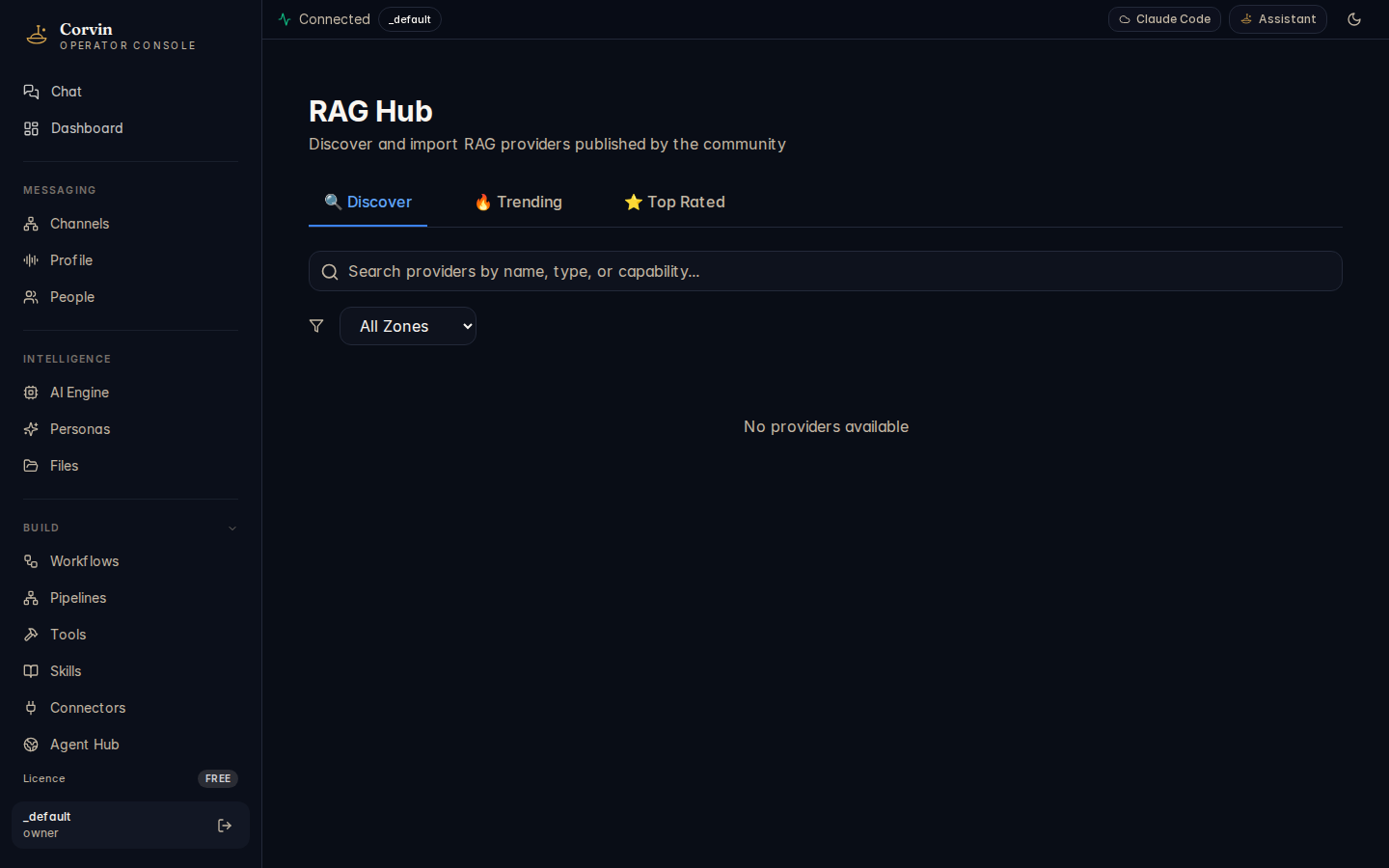
The Knowledge Hub is a curated marketplace of pre-built RAG providers. Instead of configuring a vector database from scratch, you can discover ready-made providers, review their compliance metadata, and install them with a single click.
Browsing the Hub
The Hub is organised into four tabs:
- Discover — the full catalogue, searchable and filterable by category, locality, and compliance tag.
- Trending — providers gaining installs quickly across the CorvinOS community.
- Top-Rated — providers with the highest aggregated retrieval quality scores from the community.
- Published — providers you have published to the Hub from your own installation.
Compliance metadata
Every Hub provider includes machine-readable compliance metadata indicating its data locality and regulatory standing. This lets you filter by:
EU-only
Provider stores and processes data exclusively within EU data centres. Suitable for GDPR-constrained deployments without additional DPA assessment.
On-premise
Provider runs entirely within your own infrastructure. Zero external egress — appropriate for CONFIDENTIAL-classified data under the Layer 34 data-classification policy.
Encrypted-at-rest
Provider enforces encryption at rest for all indexed content. Check provider documentation for the key management model (operator-managed vs. provider-managed).
Curated
The Hub is editorially curated — each listing is reviewed for accuracy of its compliance claims before being published. Community ratings provide an additional signal.
One-click install
Installing a Hub provider adds its connection template to your tenant's Knowledge page. You then supply your own API credentials or connection string — the Hub never stores or transmits your credentials. After configuration, the provider is immediately available to the AI in conversations.
Hub providers are connection templates, not hosted services. CorvinOS installs the configuration schema and adapter code; you supply the credentials for your own instance of the underlying service. This keeps your data under your control regardless of which provider you choose.